Your Goodreads shelf, in 3D
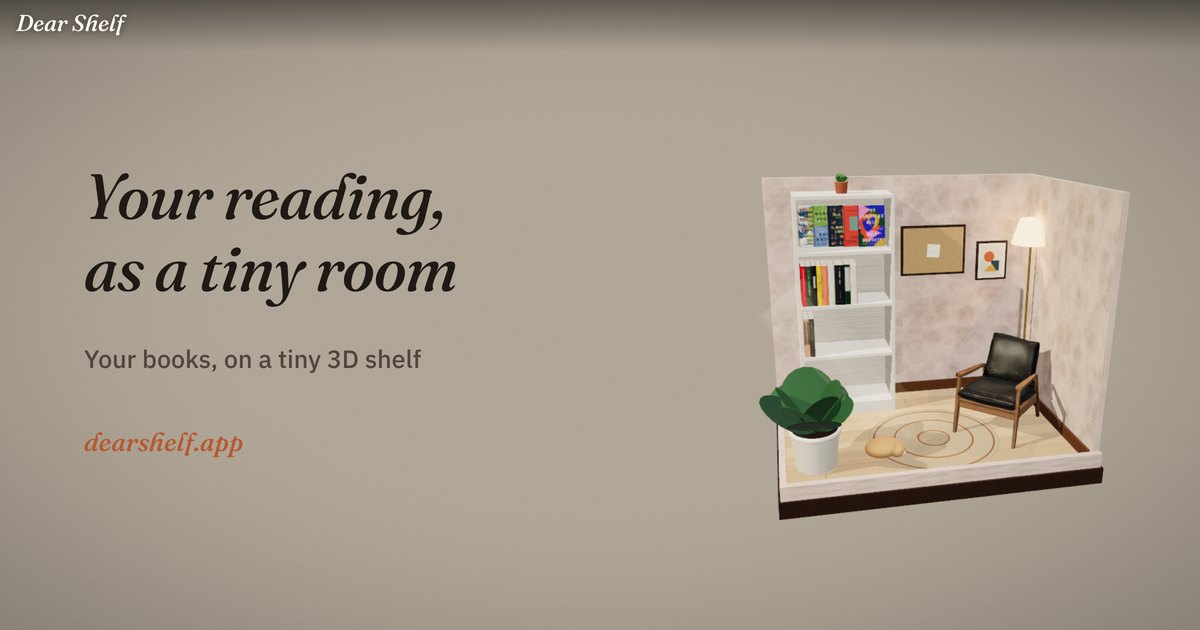
Export your library from Goodreads, drop the file into Dear Shelf, and every book lands on a little 3D bookshelf. Read, reading and want-to-read come along, with your ratings and finish dates.
 Or try it on the web →
How it works
- On goodreads.com, go to My Books › Import and export and tap Export Library.
- Download the CSV file.
- In Dear Shelf, open Profile › Import from Goodreads and pick the file.
Then decorate the room, visit shelves that share your books and leave sticky notes.
Good to know
Is it free?
Yes. Importing is free and there's no subscription.
What if a book isn't found?
You get a list of the ones we missed and can add them by search.
Do I need to delete Goodreads?
No. Your Goodreads account stays exactly as it is.